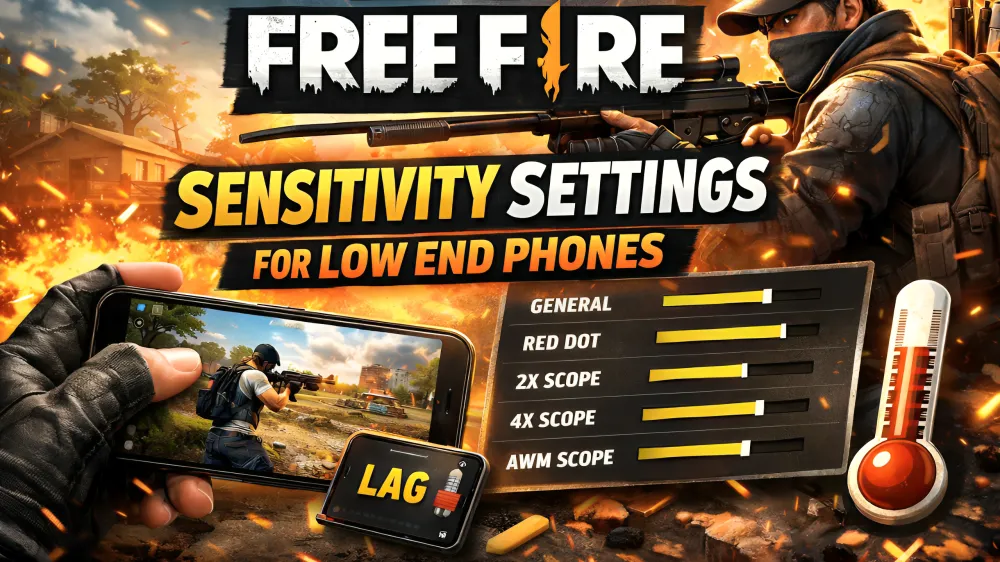
The game of Free Fire may be challenging to play on a low-end phone due to lag and frame drops that may interfere with your aim and reaction speed. Most of these problems can however be corrected by the right sensitivity. Here you will read the Best Free Fire Sensitivity Settings on Low End Phones (2026 No Lag Guide) and how you can improve your gameplay without having to change your phone.
This Free Fire settings tutorial is easy and realistic and that is why you can easily implement all these things and you can notice the results in your matches.
What Is Sensitivity in Free Fire?
Free Fire Sensitivity determines the speed of your aim when you are dragging your finger. When you are balanced in sensitivity you will be accurate in the aim.
Proper sensitivity helps you:
- Lock enemies faster
- Control recoil better
- Hit more headshots
- Improve overall gaming performance
Types of Sensitivity in Free Fire (Explained)
The sensitivity settings perform in your game differently.
General Sensitivity (drags headshots)
This regulates general movement velocity of your aim. It makes it very helpful in drag headshots.
Red Dot Sensibility (one tap headshot)
This assists in close range combats when one has to make a fast aim to hit the head with one tap.
2x Scope Sensitivity (scope control)
It enhances the control of aim in medium-range engagements.
4x Scope Sensitivity (recoil control)
This assists in the control of recoil during sprays.
Sniper Scope Sensitivity (FPS performance)
Reduced values assist in accuracy enhancement and sustaining constant FPS performance.
Free Look (pan movement)
This regulates the movement of the camera and assists in enhanced awareness.
Free Fire Sensitivity Settings for 2GB RAM
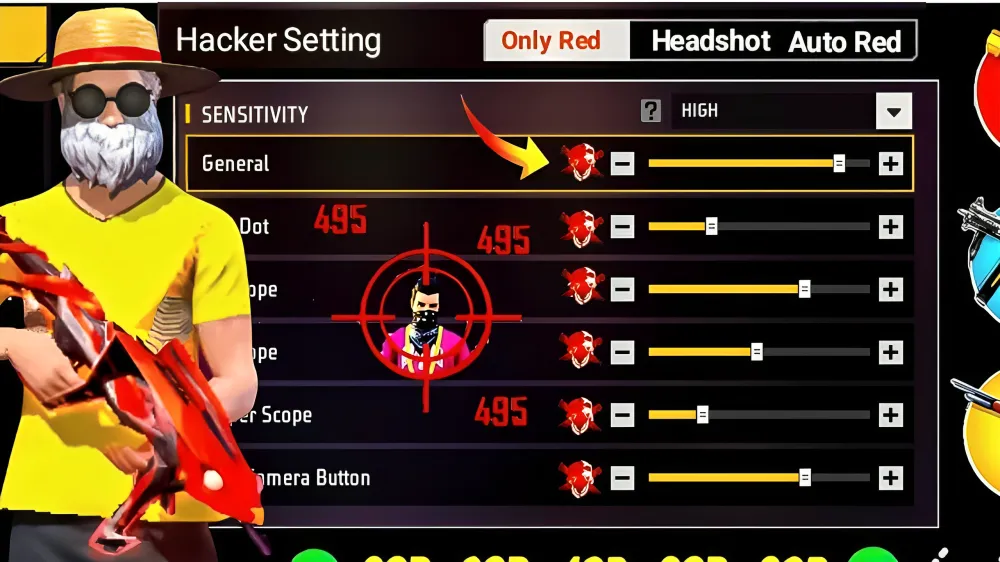
Low-end devices need higher sensitivity because FPS is not stable. These settings reduce drag delay and improve response.
- General: 192
- Red Dot: 170
- 2x Scope: 165
- 4x Scope: 150
- Sniper Scope: 100
- Free Look: 170
These settings are also part of Free Fire lag fix sensitivity settings and work well on laggy phones.
Free Fire Sensitivity Settings for 3GB RAM
Devices with 3GB RAM can handle slightly balanced settings. These improve both control and smooth gameplay.
- General: 188
- Red Dot: 165
- 2x Scope: 160
- 4x Scope: 145
- Sniper Scope: 90
- Free Look: 165
These settings improve device optimization and overall gaming performance.
Best Free Fire Sensitivity Settings for Low End Phones (2026 No Lag Guide)
Here is a quick table for better understanding:
| Device Type | General | Red Dot | 2x Scope | 4x Scope | Sniper Scope | Free Look |
| 2GB RAM | 192 | 170 | 165 | 150 | 100 | 170 |
| 3GB RAM | 188 | 165 | 160 | 145 | 90 | 165 |
| 4GB+ RAM | 174 | 155 | 150 | 140 | 70 | 140 |
This table helps you choose the best sensitivity for smooth gameplay Free Fire based on your device.
Best Sensitivity for Smooth Gameplay Free Fire
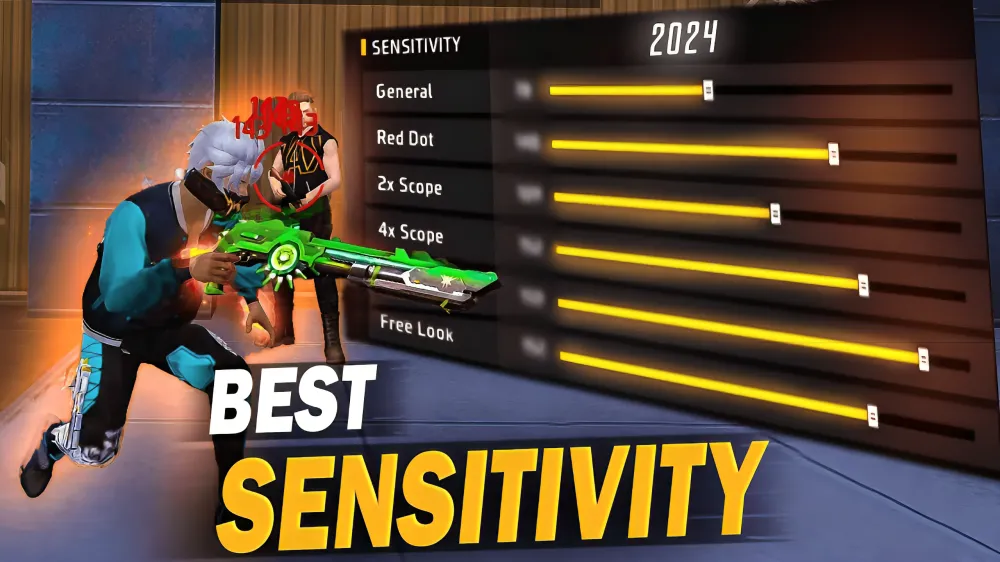
Smooth gameplay depends on stability, not just high sensitivity. You should avoid changing settings too often.
To improve smooth gameplay:
- Keep sensitivity slightly high on low-end phones
- Avoid extreme values
- Practice regularly
These steps improve FPS performance and reduce lag.
Free Fire Lag Fix Sensitivity Settings
Lag cannot be removed completely on low-end devices, but it can be reduced.
To fix lag:
- Use high general sensitivity
- Keep graphics low
- Close background apps
These Free Fire lag fix sensitivity settings make your aim faster and smoother even on weak devices.
How to Get Auto Headshots in Free Fire
Many players want to know how to get auto headshots in Free Fire. The answer is a mix of sensitivity and technique.
Follow these tips:
- Use high general sensitivity
- Drag aim upward smoothly
- Practice in training ground
Auto headshots are not automatic, but they can be mastered with practice.
Free Fire Pro Sensitivity Settings 2026
Pro players use balanced settings based on their device. The Free Fire pro sensitivity settings 2026 focus on control and accuracy.
- General: 174
- Red Dot: 155
- 2x Scope: 150
- 4x Scope: 140
- Sniper Scope: 70
- Free Look: 140
These settings improve recoil control and aim consistency.
Best Fire Button Size for Headshots Free Fire
Fire button plays a major role in headshots. The best fire button size for headshots Free Fire depends on your device.
Recommended sizes:
- Low-end devices: 47
- Mid-range devices: 49
- High-end devices: 51
Also, place the button where your finger can drag easily. This helps in drag headshots and better aim control.
Extra Tips for Better Gameplay
To improve your overall performance:
- Focus on one tap headshot practice
- Improve recoil control with AR guns
- Adjust camera movement for better awareness
These Free Fire gameplay tips will help you rank up faster and even earn rewards like Free Fire diamonds.
Final Thoughts
The Best Free Fire Sensitivity Settings on Low End Phones (2026 No Lag Guide) can transform your gameplay in full provided you use it properly. Even a cheap phone can be good with the appropriate settings and practice.
Be consistent, not changing all the time, and continue to make improvements. As time passes, you will have a better aim, more headshots, and will improve your overall performance in the game.
FAQs
Q1. Best sensitivity for low-end phones?
Ans. High general sensitivity (180–190) works best.
Q2. Can sensitivity fix lag?
Ans. No, but it improves smooth aiming.
Q3. How to get headshots?
Use high sensitivity and drag aim upward.
Q4. Best for 2GB RAM?
Ans. Keep general around 190+.
Q5. Does fire button size matter?
Ans. Yes, it helps in better headshots.
